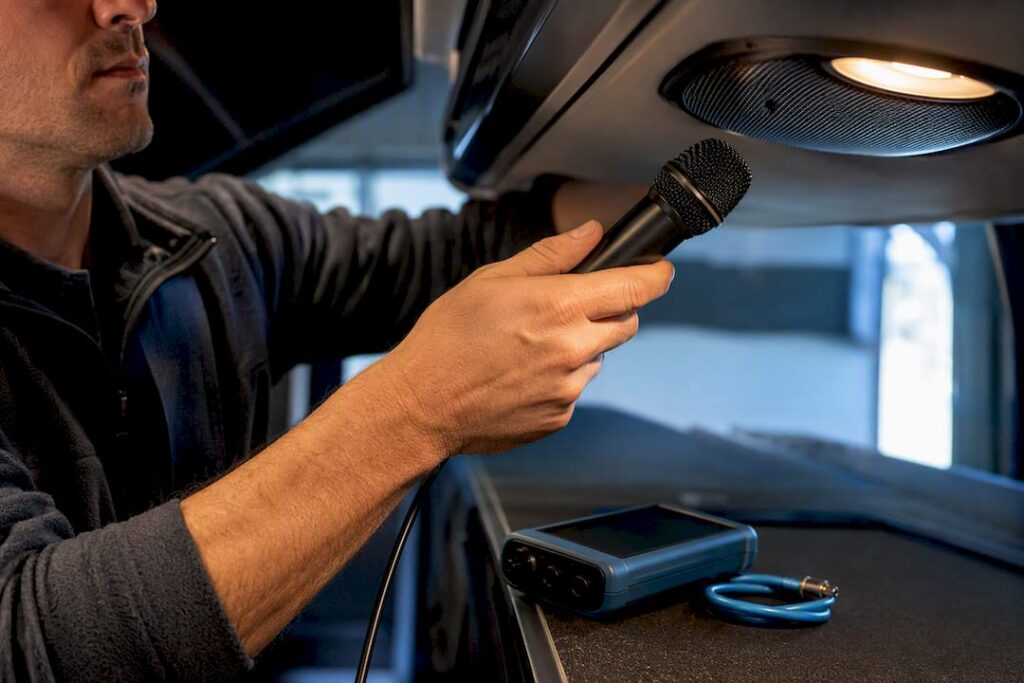
Most full-size charter coaches come with some form of onboard PA capability, usually a driver microphone, an amplifier, and cabin speakers, but the exact setup varies a lot by vehicle and operator. Some buses add a second mic input, variable music muting, or an aux jack for playback. Don’t assume. Confirm the specifics when you book, and ask for a pre-trip audio test, which we walk through below.
TL;DR:
- Confirm the specific vehicle has a built-in PA system with a microphone, dual mic input, and variable muting before booking or event day.
- Ask whether a second mic and auxiliary input are supported, and clarify if there are any additional fees for these features.
- Conduct a pre-trip microphone and speaker check, including muting function and coverage across the cabin, to avoid surprises during the trip.
- Consider a wireless receiver system for multilingual groups, noisy routes, or passengers who prefer quiet, and verify rental options and battery life.
- Request a live mic test at pickup and get all PA system details and capabilities in writing to ensure reliable communication during your event.
Table of Contents
- What’s Actually in a Charter Bus PA System?
- How Do You Confirm a PA System Is Included?
- How Do You Actually Use the PA Once You’re On Board?
- What Should a Pre-Trip PA Checklist Look Like?
- When Should You Request a Wireless Receiver System Instead?
- How Reliant Transportation Handles PA Requests
- Ready to Book a Charter With Reliable Onboard Announcements?
- Where to Learn More About Bus PA Features
- Sources
What’s Actually in a Charter Bus PA System?
A charter bus PA system is a small broadcast setup built into the coach, not a bolt-on speaker you plug in yourself. Once you know the parts, you’ll know exactly what to ask for.
- Microphone: usually a handheld mic near the driver’s seat, sometimes a headset mic for hands-free announcements during a long tour.
- PA head unit and amplifier: the control box that powers the system and routes audio to the speakers.
- Interior speakers: mounted along the ceiling or side panels, spaced to cover the full cabin, not just the front rows.
- Second mic input: lets a tour guide or wedding coordinator speak without swapping cables with the driver.
- Aux input: for playing recorded audio, a welcome message, or background music through the same speakers.
The best systems include variable muting, which fades music down when someone keys the mic instead of cutting it dead. That single feature is what separates a smooth announcement from a jarring one, and it’s worth asking about by name. The PA64 Ready2Talk is one widely used all-in-one unit with dual mic inputs and this kind of automatic muting, and it’s a useful reference point when you’re comparing what a vendor tells you against what’s actually installed. Beyond routine announcements, the PA also carries emergency instructions and accessibility support, including stop and transfer call-outs, which is why it’s worth more than a passing question at booking.
How Do You Confirm a PA System Is Included?
Ask directly. Vague questions get vague answers, and “does the bus have a PA?” is too easy to answer with a hopeful yes that doesn’t hold up on event day.
- Ask if a PA is installed on the specific vehicle you’ll get, not just “in the fleet,” since older buses in a mixed fleet sometimes lack one.
- Ask what type of microphone it uses (handheld or headset) and whether it supports a second mic for a guide or MC.
- Ask who will operate it, since most drivers will handle basic route announcements but may need a heads up if you want a dedicated speaker using the system.
- Ask about aux input support if you plan to play a welcome track, ceremony music, or a recorded script.
- Ask if there’s a fee for PA use, a second mic, or an aux hookup. Some operators bundle it, others charge extra.
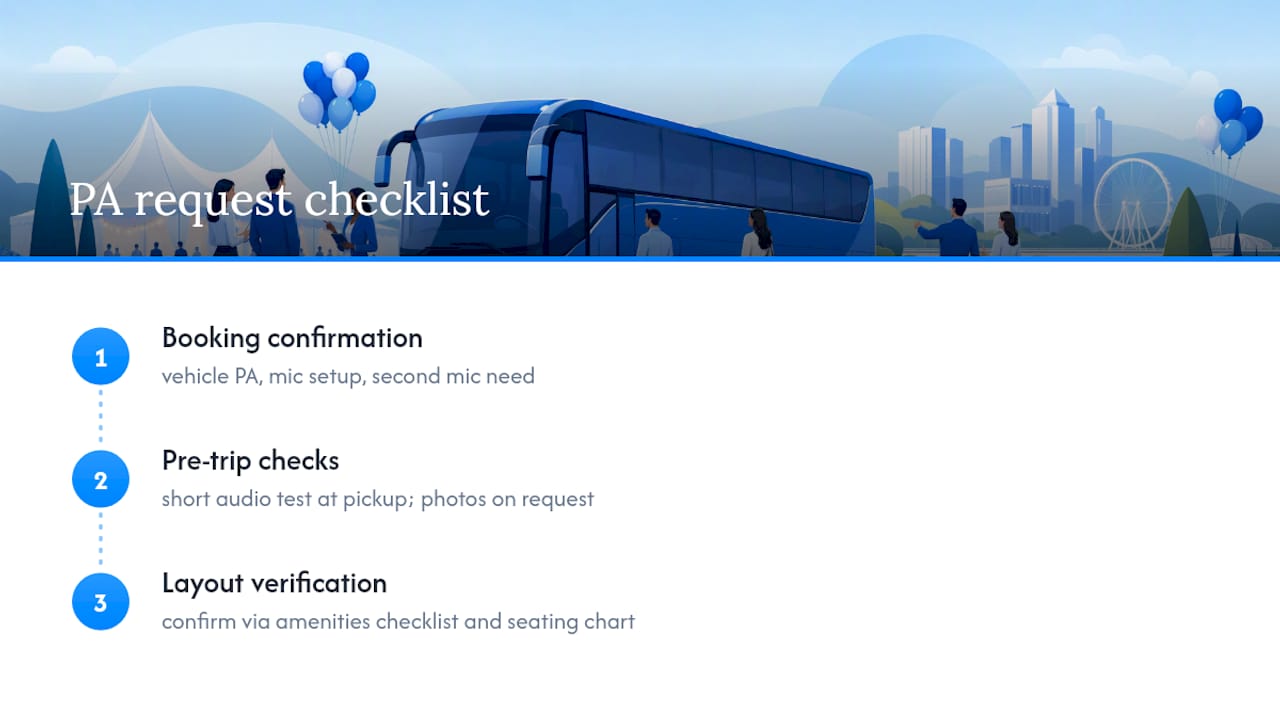
Get the answer in writing. A line in your booking confirmation like “vehicle includes onboard PA with handheld mic, dual mic input, and variable muting; pre-trip audio test to be conducted at pickup” turns a verbal promise into something you can point to if the day-of vehicle doesn’t match.
Pro Tip: Request a short photo or video walkthrough of the actual scheduled vehicle’s mic and speaker layout before the event. It’s a small ask that heads off most audio surprises before they happen.
How Do You Actually Use the PA Once You’re On Board?
Operating a bus PA is simple, but a few habits separate a clean announcement from one that sounds like a subway platform.
Most systems are push-to-talk on the handheld mic, meaning you hold a button while speaking and release it when done. Headset mics are often open, which means hands-free but also means you need to be careful about background noise. Before the group boards, do a quick volume and clarity check. Speak a full sentence at normal volume and listen from the back row, not just the front.
- Fade music rather than killing it. If the system has variable muting, let it do the work; if not, dip the volume manually before speaking.
- Keep announcements short and at a steady volume. Long, meandering commentary loses the room fast.
- Speak directly into the mic and avoid rustling papers or scripts near it.
- Call out stops, transfers, and timing clearly, especially for guests unfamiliar with the route.
Pro Tip: If your group includes guests with hearing difficulty, pair verbal announcements with a printed itinerary or a visible sign at the front. A PA helps most people, but it shouldn’t be the only source of critical information.
What Should a Pre-Trip PA Checklist Look Like?
Run this before the group boards, not after you’re already ten minutes down the highway and the mic won’t key.
- Visual check: confirm the mic, head unit, and visible speakers are physically present and undamaged.
- Mic test: key the mic and speak a full sentence from the driver’s seat.
- Muting test: play music through the aux or radio, then key the mic to confirm the volume fades instead of cutting out or fighting the announcement.
- Cabin walk: walk from front to back while someone speaks into the mic, checking for dead zones or muffled coverage.
- Second mic test: if you’ve requested dual mic input, confirm the guide or coordinator’s mic works independently.
- Record a short clip: a ten-second audio or video sample gives you a reference if something changes later in the trip.
Bus PA inspection standards used by transit operators tie these same checks to accessibility and emergency-announcement requirements, which is a good sign this isn’t an overly cautious ask. If anything fails, ask for an immediate repair, a vehicle swap, or a backup receiver system rather than hoping it corrects itself mid-route.
When Should You Request a Wireless Receiver System Instead?
Cabin PA works well for most groups, but it isn’t the right tool for every situation. A wireless tour-guide system, made up of a transmitter, pocket receivers, and headsets, solves problems a fixed PA can’t.
- Multilingual groups, where a guide needs to speak to one language group without broadcasting to everyone.
- Noisy routes, like wine country roads or urban tours where road noise competes with cabin speakers.
- Guests who want quiet, since receivers let some passengers opt out of commentary entirely.
Modern 2.4 GHz digital receiver systems have mostly replaced older UHF setups, avoiding the frequency licensing headaches that used to come with them. If you want one, ask about rental availability and get the unit count and battery life documented in your booking confirmation.
How Reliant Transportation Handles PA Requests
The company has kept its coaches in strong shape long enough to maintain high customer ratings across many Portland-area weddings, corporate shuttles, and group outings, and PA reliability is part of that upkeep. When you book, confirmation is provided whether your assigned vehicle has PA capability, what mic setup it uses, and whether you need a second mic for a guide or officiant. It is possible to arrange a short pre-trip audio test at pickup and provide photos of the equipment on request, a low-effort check that helps catch most day-of surprises before they start. For layout questions, the amenities checklist and seating chart guide cover what else to confirm alongside your PA request.
Ready to Book a Charter With Reliable Onboard Announcements?
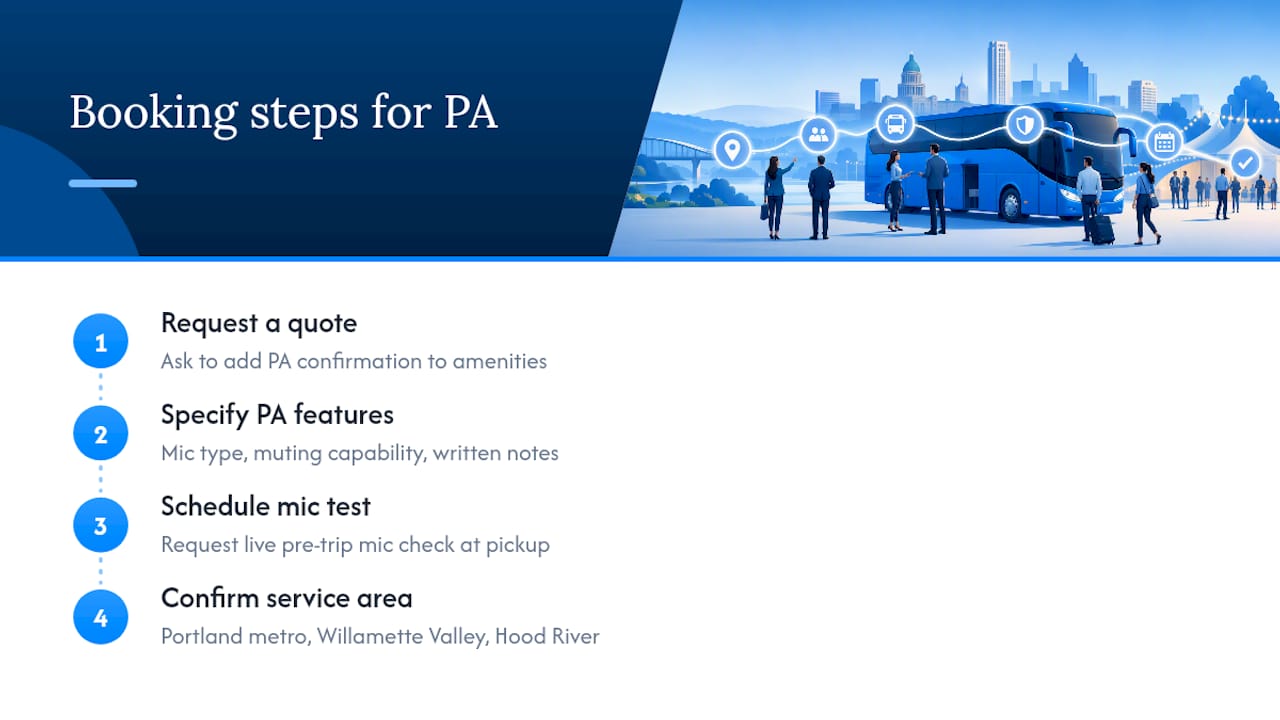
If you’ve read this far, you already know the fix for PA uncertainty: ask specific questions and get them in writing before the vehicle shows up. This is built into the booking process instead of leaving it to chance. When you request a quote, you can ask for PA confirmation to be added to your amenities list, with notes of the mic type, muting capability, and whether a pre-trip test is scheduled at pickup.
The service area includes the Portland metro area, the Willamette Valley wine region, and Hood River, so events falling anywhere in that range can likely be accommodated with a PA-ready coach. Weddings tend to raise the most PA questions, since a shuttle full of guests needs clear timing announcements between venues; the wedding transportation guide breaks down what to ask for in that specific case. The next step is simple: request your quote, list the PA features you need, and ask for that live mic check at pickup. It’s a five-minute conversation that saves you from finding out the hard way, mid-route, that nobody can hear the announcement.
Where to Learn More About Bus PA Features
For a closer look at feature names before you call an operator, the Ready2Talk PA 64 page shows what a modern all-in-one unit includes, and the PA inspection checklist outlines how transit teams tie PA function to accessibility rules. Pair either with Reliant’s amenities checklist when comparing vehicles.
Sources
- PA64 READY2TALK COMPLETE PA SYSTEM – Carpenter Bus Parts
- Bus PA system inspection checklist
- The ultimate guide to bus tour guide systems — CNMixtek